
Veterinary DR retrofit
Go digital on the X-ray you already own.
An LG 17×17 wireless detector, acquisition software, and a workstation, added to your existing generator and table. You keep setting kV and mAs at your current console, exactly as you do today.
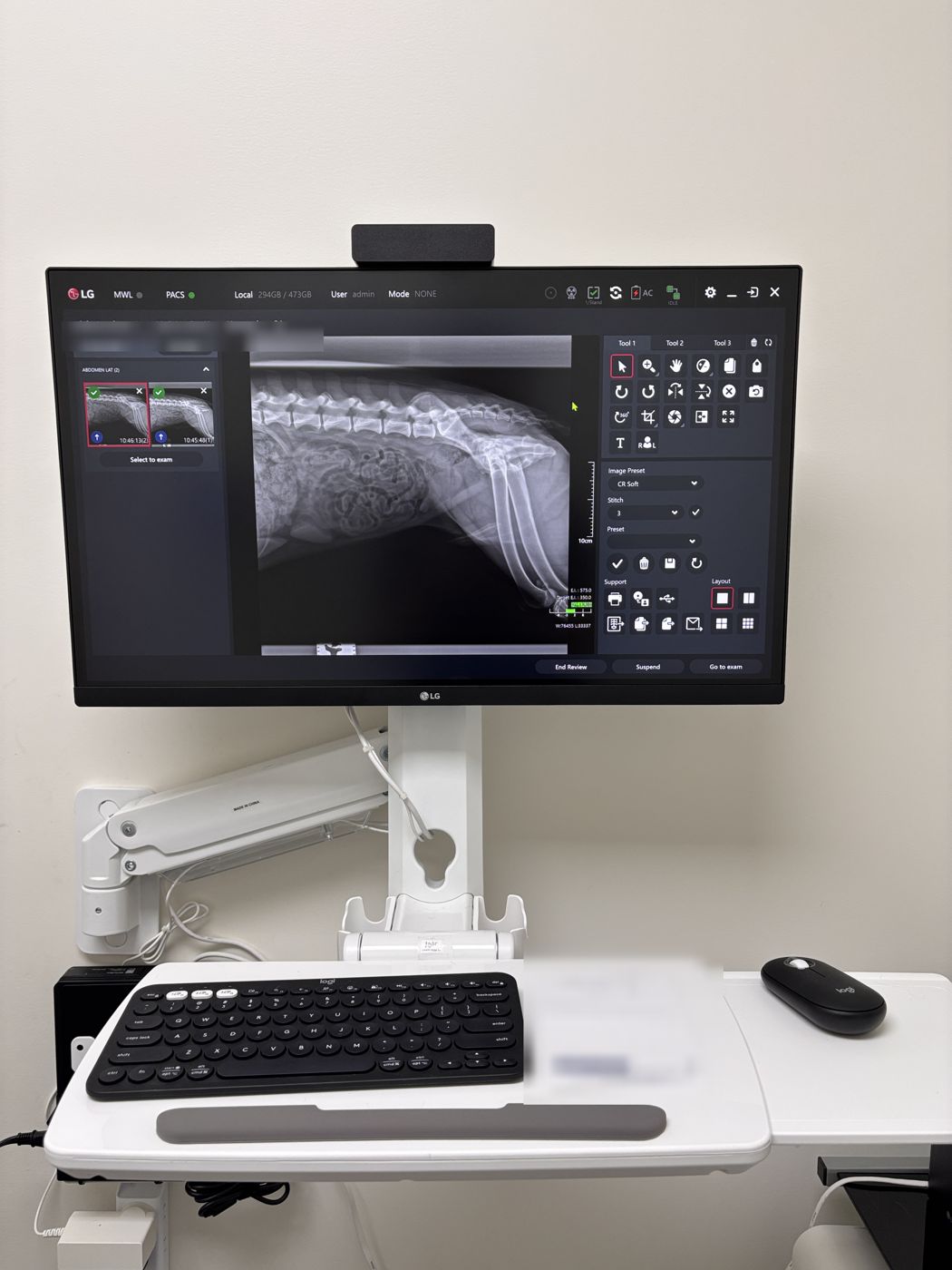
What you keep, what we add
If your generator and table work, there is no reason to replace them.
You keep
- Your X-ray generator and control console
- Your table and tube stand
- Your room and its shielding
We add
- LG 17×17 wireless flat-panel detector
- LG acquisition software
- A preconfigured workstation
- Installation, calibration, and staff training
Existing table. LG detector added.
This retrofit kept the clinic's existing X-ray table and generator. The detector senses each exposure on its own, so it does not need to be wired into the generator.
Why a 17×17 detector
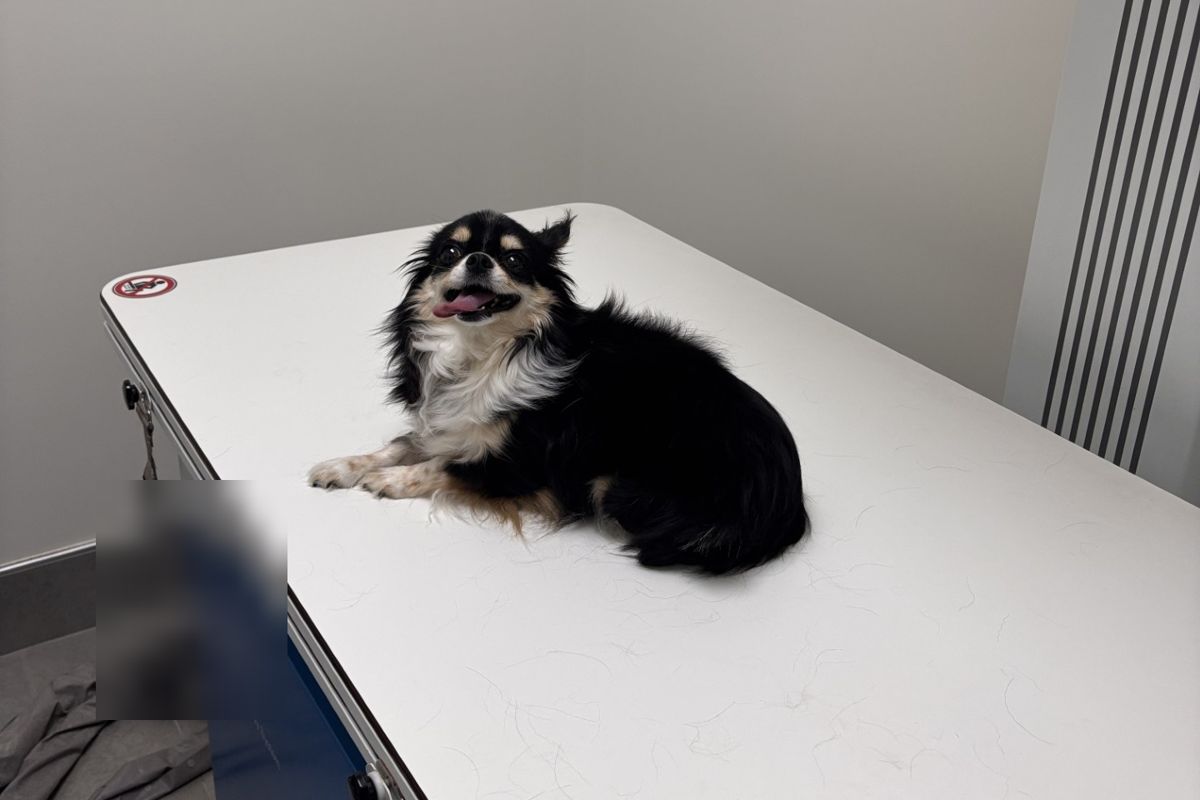
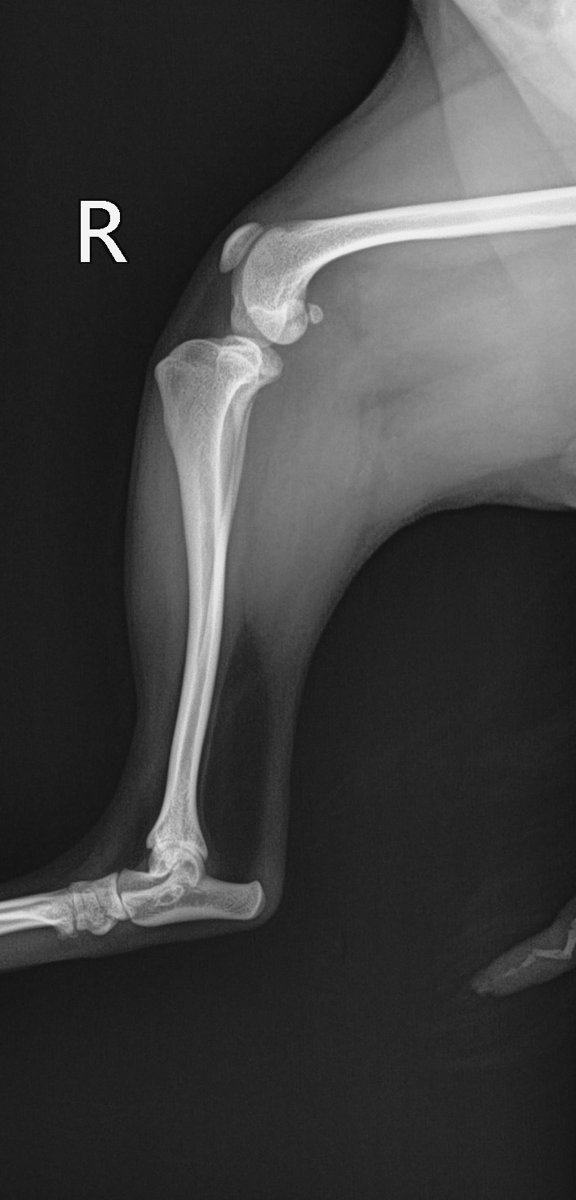
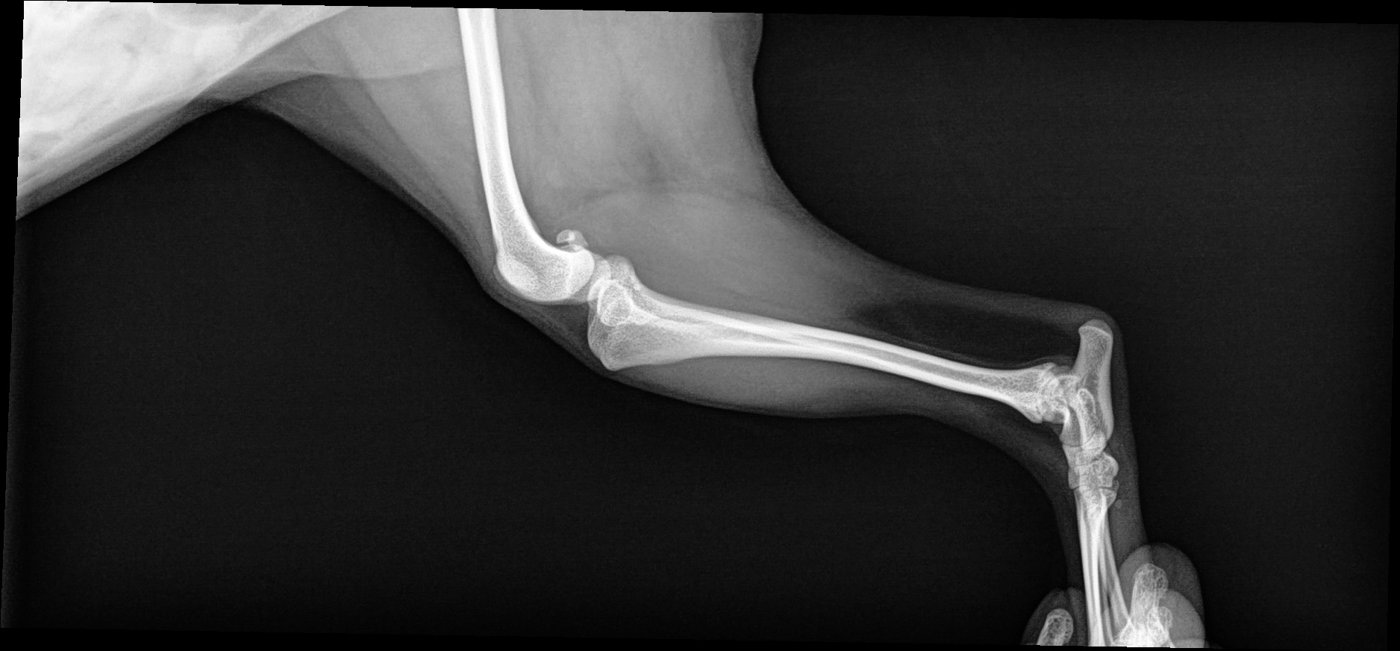
More patient per exposure
A 17 × 17 in. imaging area covers more of a large dog in one shot than a 14 × 17 panel.
Auto exposure detection
No sync cable to the generator. The detector senses the exposure and captures on its own. How that works
Fits how vets image
Used on the tabletop or in a compatible tray. We confirm your table setup from photos before quoting.
Why it works with any generator: auto exposure detection
A conventional DR install wires the detector to the generator so the two can agree on when the exposure happens. The LG 17HQ701G does not need that. It uses auto exposure detection (AED): the panel watches for X-rays itself and starts capturing the moment the beam arrives. Nothing on your generator is opened, modified, or connected.
You expose as usual
Set kV and mAs at your existing console and press the exposure switch, exactly as you do with film or CR. The generator never knows a detector is there.
The panel detects the beam
The detector keeps its sensor array in a ready state. When X-rays reach the panel, it senses the signal and begins integrating the image within the first milliseconds of the exposure.
Readout and transfer
When the exposure ends, the panel reads out the image and sends it to the workstation over wireless (802.11ac) or a cable. The image appears on screen moments after the exposure.
Processing on the workstation
LG acquisition software applies the processing for the selected anatomy and stores the study in standard DICOM, locally and in Velion Cloud PACS.
What this means for your generator
There is no interface board, no generator modification, and no approved-brand list. If your generator can expose a film cassette or a CR plate today, it can expose the LG detector. Old single-phase units, high-frequency units, and portables all work the same way, because the detector is not talking to the generator at all.
What the photos are for
We ask for photos of your generator label, console, and room to plan the installation: table and tray fit, where the workstation goes, and network setup. They are for planning the install, not for a compatibility check.
$12,900, and exactly what it covers
Plus applicable sales tax. Anything beyond a standard installation is quoted in writing before any work begins.
Included
- LG 17×17 wireless detector (17HQ701G)
- LG acquisition software
- Preconfigured workstation PC
- Standard installation (Southern California; travel elsewhere quoted upfront)
- On-site staff training
- Documentation support for state X-ray registration
- 6 months of Velion Cloud PACS
Quoted separately, in writing
- Wall or arm mounting, depending on your room
- Additional workstations
- Electrical or network cabling work
- Generator repair or replacement parts
- Travel outside Southern California
- Cloud PACS after six months: $119/month
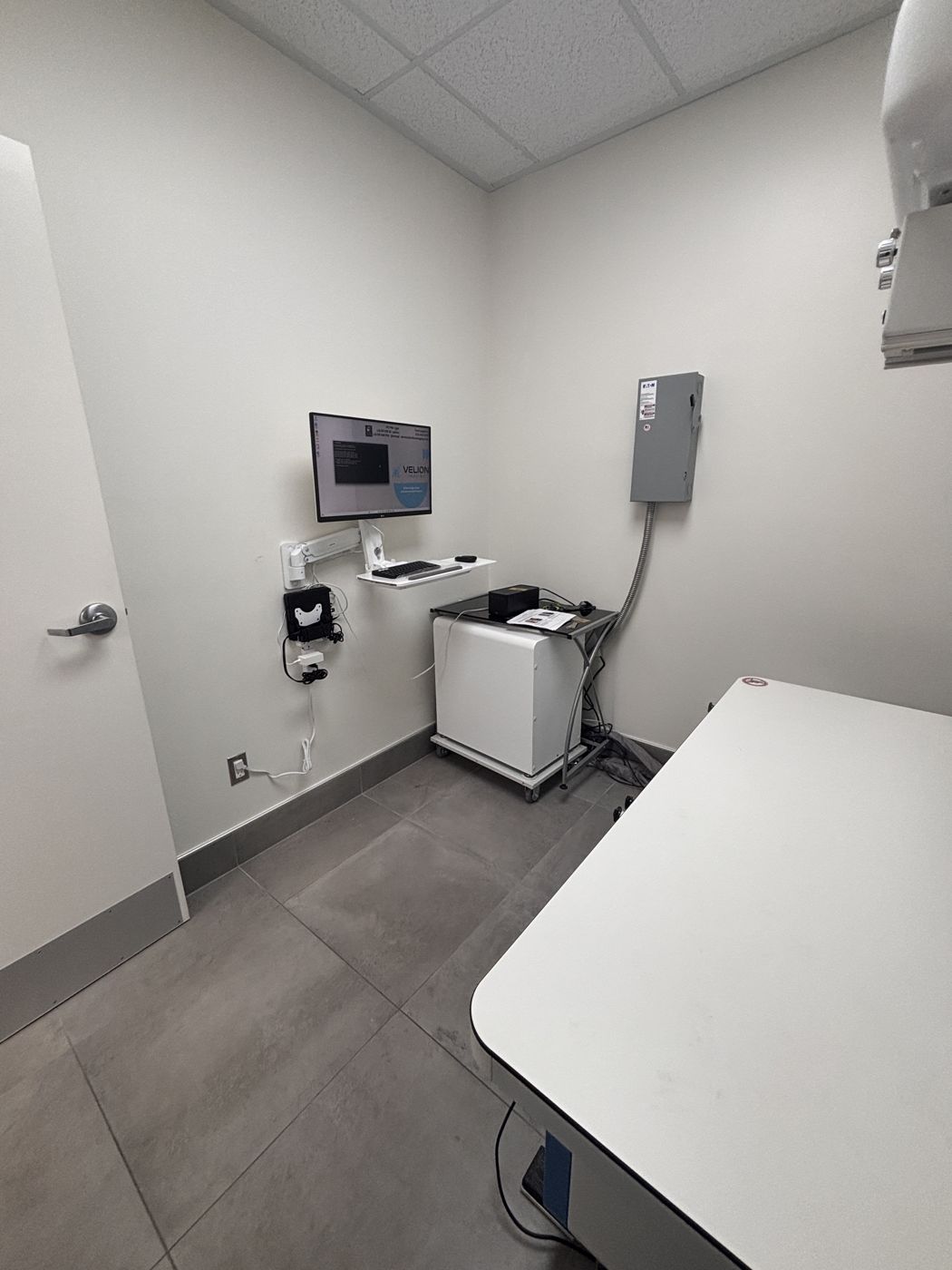
A clean install, sized to your room
Most retrofits are installed in one to two days. The workstation can sit on an existing counter or cart, or go on a wall arm to free up floor space. We recommend the setup from photos of your room, and quote any mounting in writing first.
Already digital?
Your DR panel failed out of warranty.
You don't need a new X-ray room. Whatever brand your current panel is, we replace it with an LG detector and software, calibrated to your existing generator, for the same $12,900.
Detector replacementSend us three photos
- The label on your current panel
- Your generator label and control console
- Your X-ray room, including the table
From photos to your first digital exam
Send three photos
Your generator label, control console, and X-ray room. We plan the installation from these, before you commit to anything.
Try it free for two weeks
We set up a demo unit in your clinic so your doctors judge the images on your own patients. No purchase obligation.
Installed in 1–2 days
Detector, software, and workstation set up and calibrated, with hands-on training for your team.
Questions
Will it work with my generator?
Yes. The LG detector uses auto exposure detection, so it is not wired to the generator and does not depend on the generator's brand, age, or type. If your generator can expose film or a CR cassette, it can expose the detector. How auto exposure detection works
Does anything get connected to or changed on my generator?
No. The generator, console, and wiring stay as they are. The detector, software, and workstation are added alongside them.
Do I still control kV and mAs?
Yes. With a retrofit, exposure is set at your existing console exactly as today. The software captures and processes the image.
Is there a contract?
No. You buy the equipment outright. There is no lab agreement or testing volume tied to it.
Is wall mounting included?
The $12,900 price covers a standard installation on an existing counter or cart. Wall or arm mounting depends on your room, and we quote it in writing first.
What about state X-ray registration?
We prepare the documentation you need to update your registration with the state.
Can I keep my images if I change systems later?
Yes. Images are stored in standard DICOM, and Velion Cloud PACS can export the original files at any time.
Check whether your X-ray is a fit
Send the basics now. We will ask for three photos (generator label, console, and room) when we reply.
Send us a message
Tell us your clinic’s city and current setup in the message. When we reply, we will ask for the three photos.
Prefer email? Write to contact@velionimaging.com. We reply within one business day.